
Webcambot
A Discord bot that fetches snapshots and video clips from Home Assistant camera entities on command. Configurable clip lengths and instant image delivery make it useful for home monitoring over Discord.
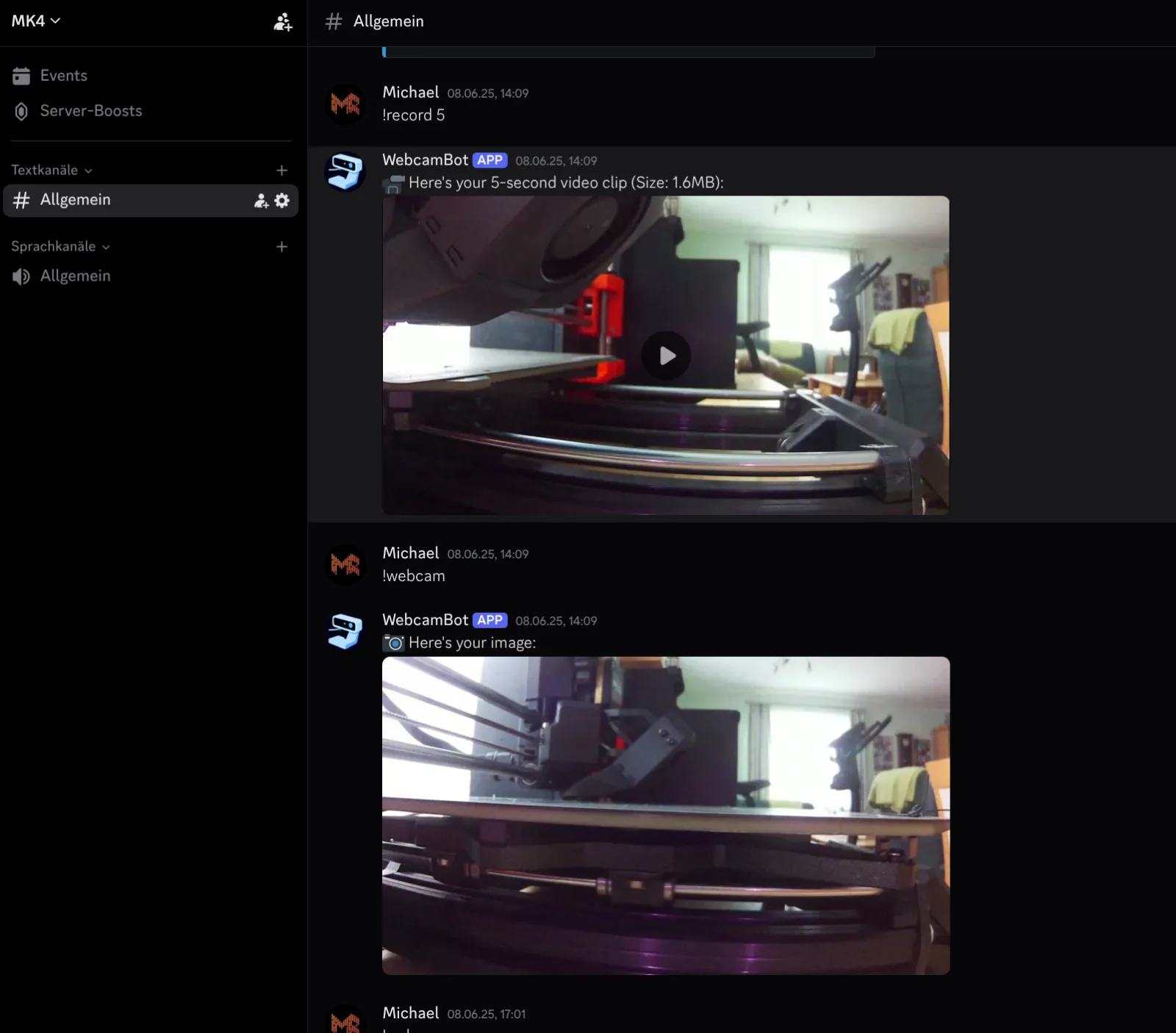
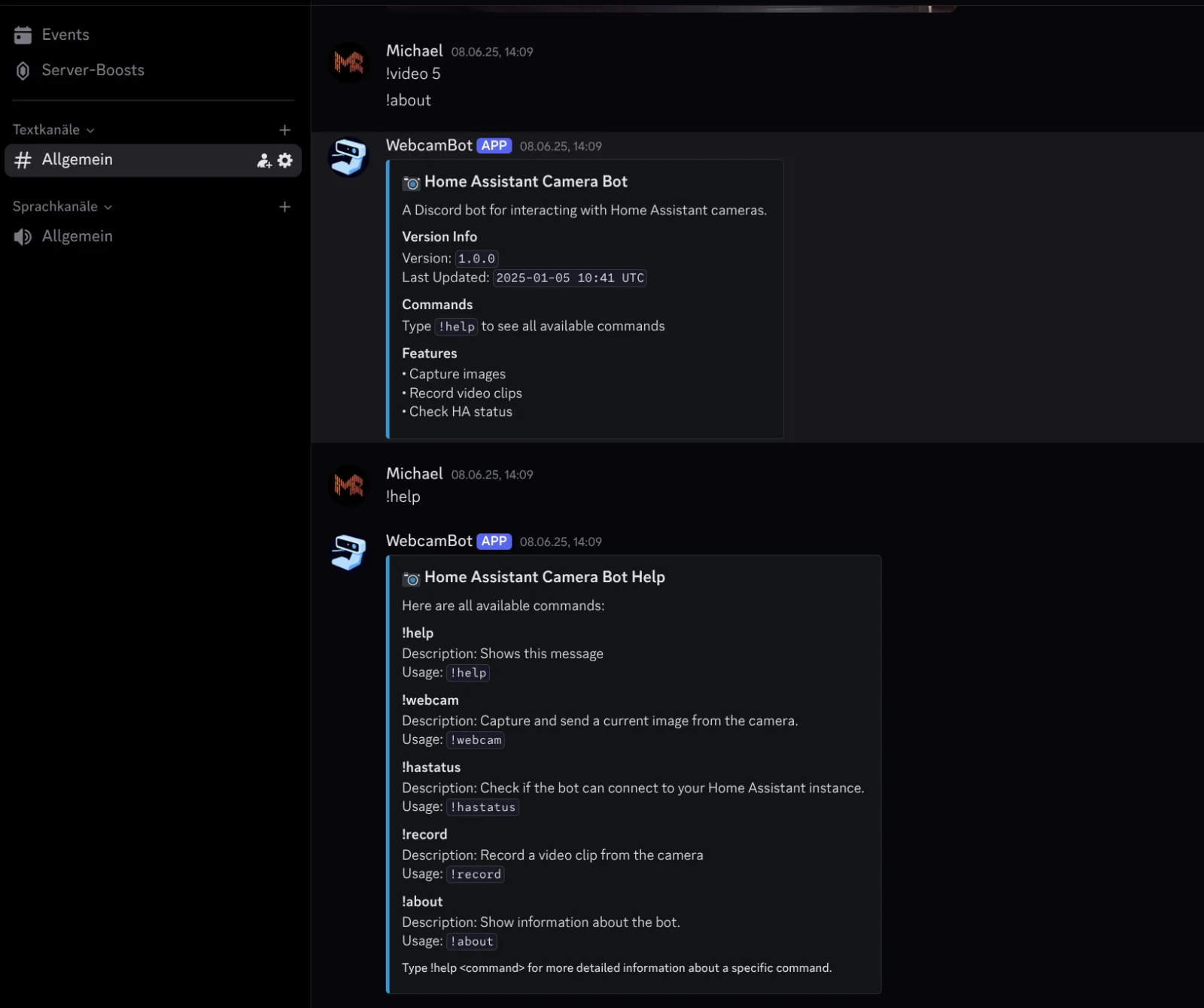
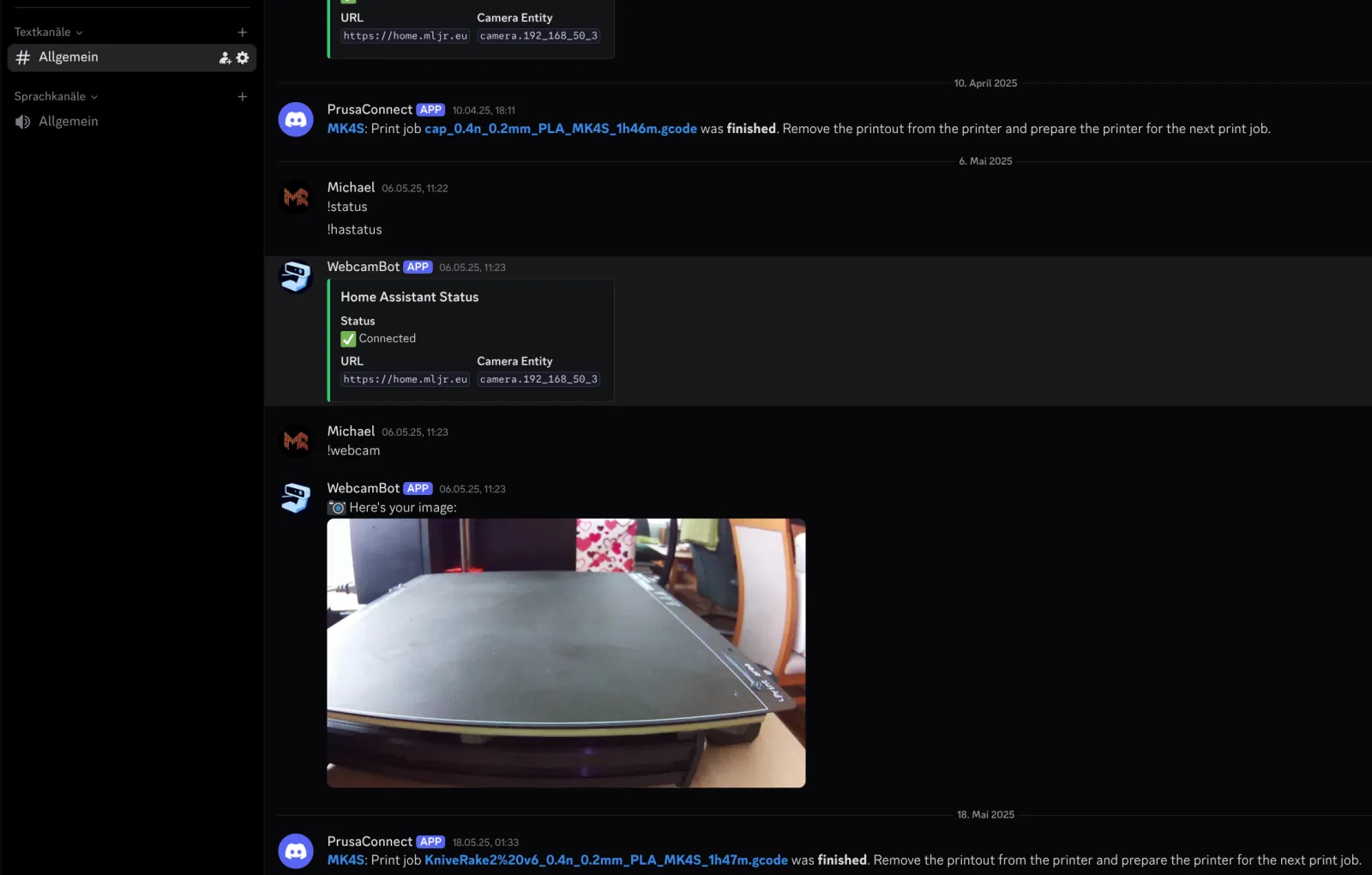
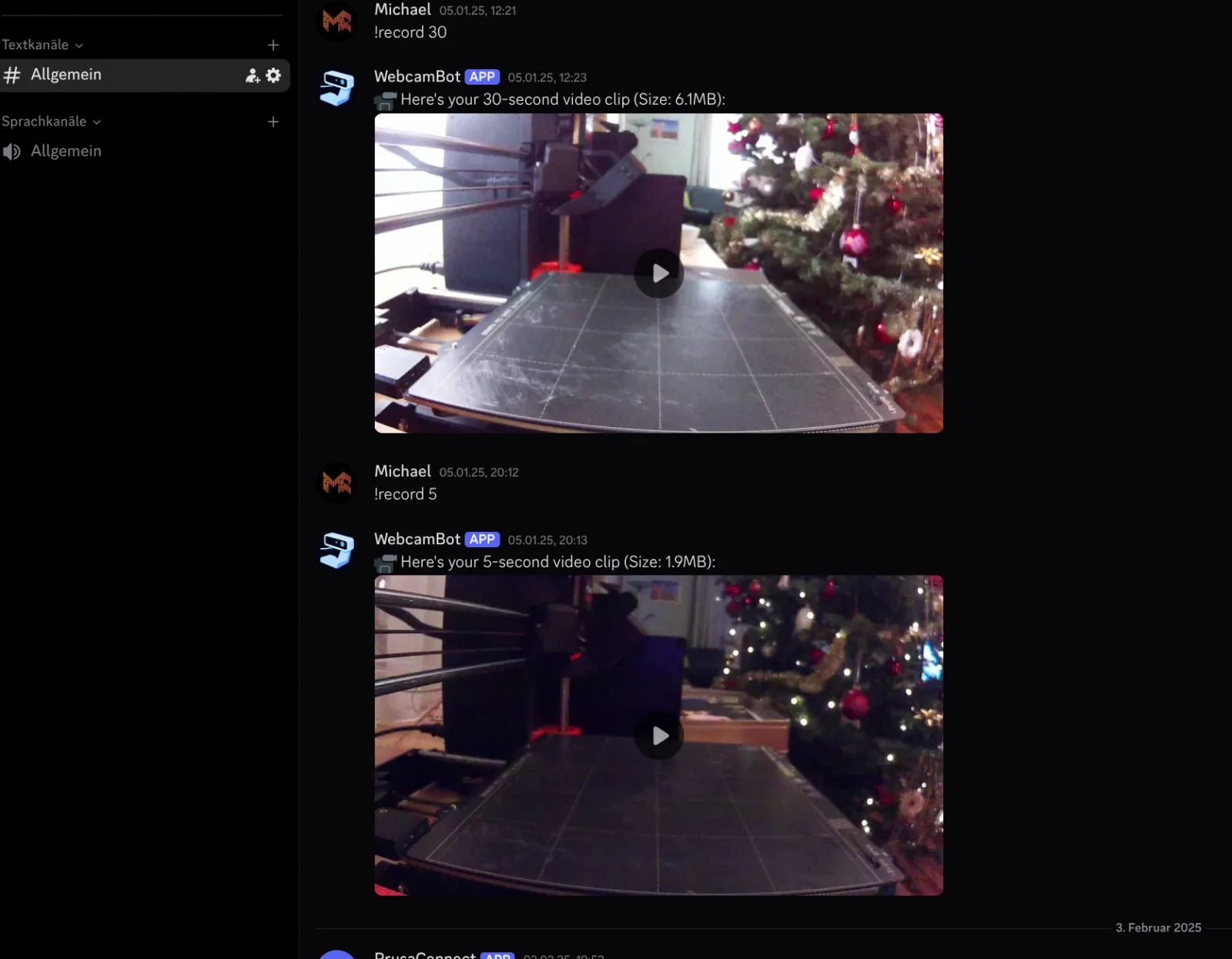
webcambot bridges Home Assistant's camera entities and Discord: a slash command in a Discord server fetches either an instant snapshot or a short video clip from any camera Home Assistant knows about, with the clip length configurable per request. The bot never proxies a live stream — it asks Home Assistant's camera_proxy REST API for individual still frames at a fixed interval (4 FPS), writes each one to disk, and builds an ffmpeg concat manifest pointing at them. A single ffmpeg subprocess call then stitches those stills into an H.264 MP4 and re-encodes the output at 24 FPS, so a clip captured at a sparse 4 stills/second still plays back smooth rather than looking like a slideshow. Snapshots skip all of that and just relay the single JPEG straight back to Discord. Camera entities, the Home Assistant base URL/token, and the bot's Discord application credentials are all supplied through environment-based config, so pointing it at a different Home Assistant instance or adding new cameras doesn't require touching code. It exists to make checking on a home camera feed as low-friction as typing a Discord command instead of opening a separate Home Assistant app or dashboard — useful for quickly checking in on a room, a delivery, or a pet from wherever a phone with Discord already is, without exposing the camera feed itself to the internet.
Architecture
graph TD
  Discord["Discord slash command"] --> Bot["webcambot"]
  Bot -->|REST| HA["Home Assistant
camera_proxy API"]
  HA -->|snapshot| Image["direct JPEG reply"]
  HA -->|clip: N frames| Frames["frame_*.jpg + concat list
(duration 0.25 = 4 FPS)"]
  Frames --> FFmpeg["ffmpeg -f concat
libx264, 24fps output"]
  FFmpeg --> MP4[("output.mp4")]
  Image --> Reply["reply in Discord"]
  MP4 --> Reply
Under the hood
Video clips aren't streamed — frames are captured from Home Assistant one at a time, written to disk with a concat manifest, then stitched by a single ffmpeg subprocess call.
with open(frame_list, 'w') as f:
    for i, frame_data in enumerate(frames):
        frame_path = os.path.join(temp_dir, f'frame_{i:04d}.jpg')
        with open(frame_path, 'wb') as frame_file:
            frame_file.write(frame_data)
        f.write(f"file '{frame_path}'\nduration 0.25\n")  # 4 FPS

command = [
    'ffmpeg', '-y',
    '-f', 'concat', '-safe', '0', '-i', frame_list,
    '-c:v', 'libx264', '-preset', 'ultrafast',
    '-pix_fmt', 'yuv420p', '-r', '24',  # Output frame rate
    output_path
]

process = await asyncio.create_subprocess_exec(
    *command,
    stdout=asyncio.subprocess.PIPE,
    stderr=asyncio.subprocess.PIPE
)
stdout, stderr = await process.communicate()